Dear BlackVue Users,
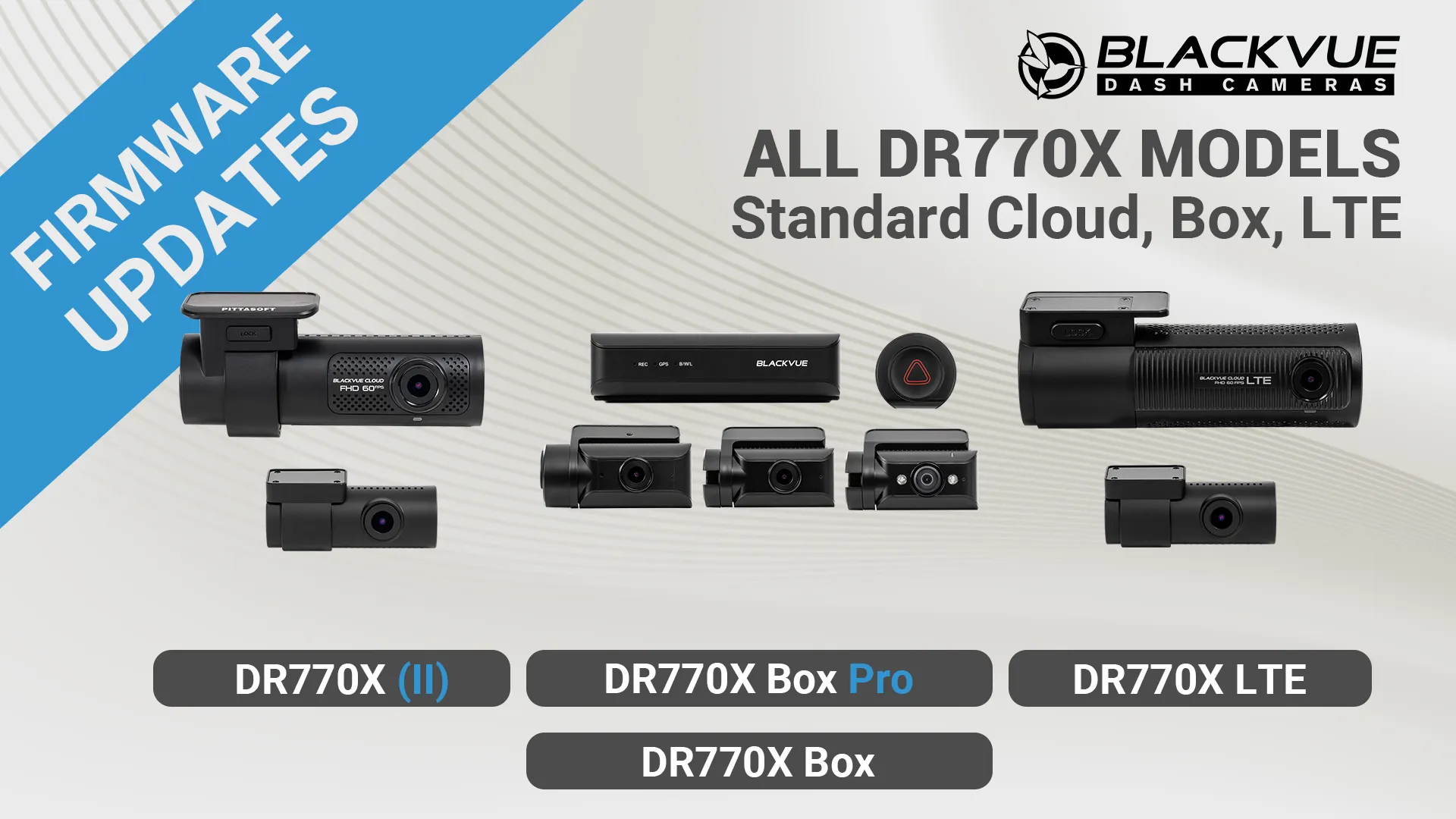
The DR770X models (including the standard Cloud, LTE, and Box models) received firmware updates.
Those updates focus on fixing Wi-Fi connectivity issue introduced by iOS 26 as well as CM100G LTE stability issues.
Models Concerned:
- DR770X (II) Series (v.2.005) (Download pages:Multi-language version –Russian version)
- DR770X LTE Series (v.1.015) (Download pages:Multi-language version –Russian version)
- DR770X Box Series (v.1.015) (Download pages:Multi-language version –Russian version)
- DR770X Box Pro (v.1.008) (Download pages: Multi-language version – Russian version)
What’s New:
- Improved Wi-Fi connection stability in iOS environments.
- Improved stability when using the CM100G LTE module (for non-LTE models).
- Other bug fixes and overall stability improvements.
※ Compatible software versions:
BlackVue App: Android v4.19 / iOS v4.15 and up.
BlackVue Viewer: Windows v3.24 / Mac v3.24 and up.
FLEETA App: Android v1.19 / iOS v1.16 and up.
FLEETA Web Viewer
Important:
Make sure to use the latest versions of the BlackVue Viewer and App for full compatibility when installing a new firmware version.
How to upgrade:
With the BlackVue App, you can easily update the firmware from the Camera menu. Tap the three-dot icon “…” next to your camera’s name, then tap on “Remote firmware update”.
For a manual installation, go to the DOWNLOADS page to access the latest firmware and installation instructions.
Share your feedback and suggestions
If you have suggestions for new features and improvements, feel free to join our Community hosted in the BlackVue Forum.
Thank you!