Dear BlackVue Users,
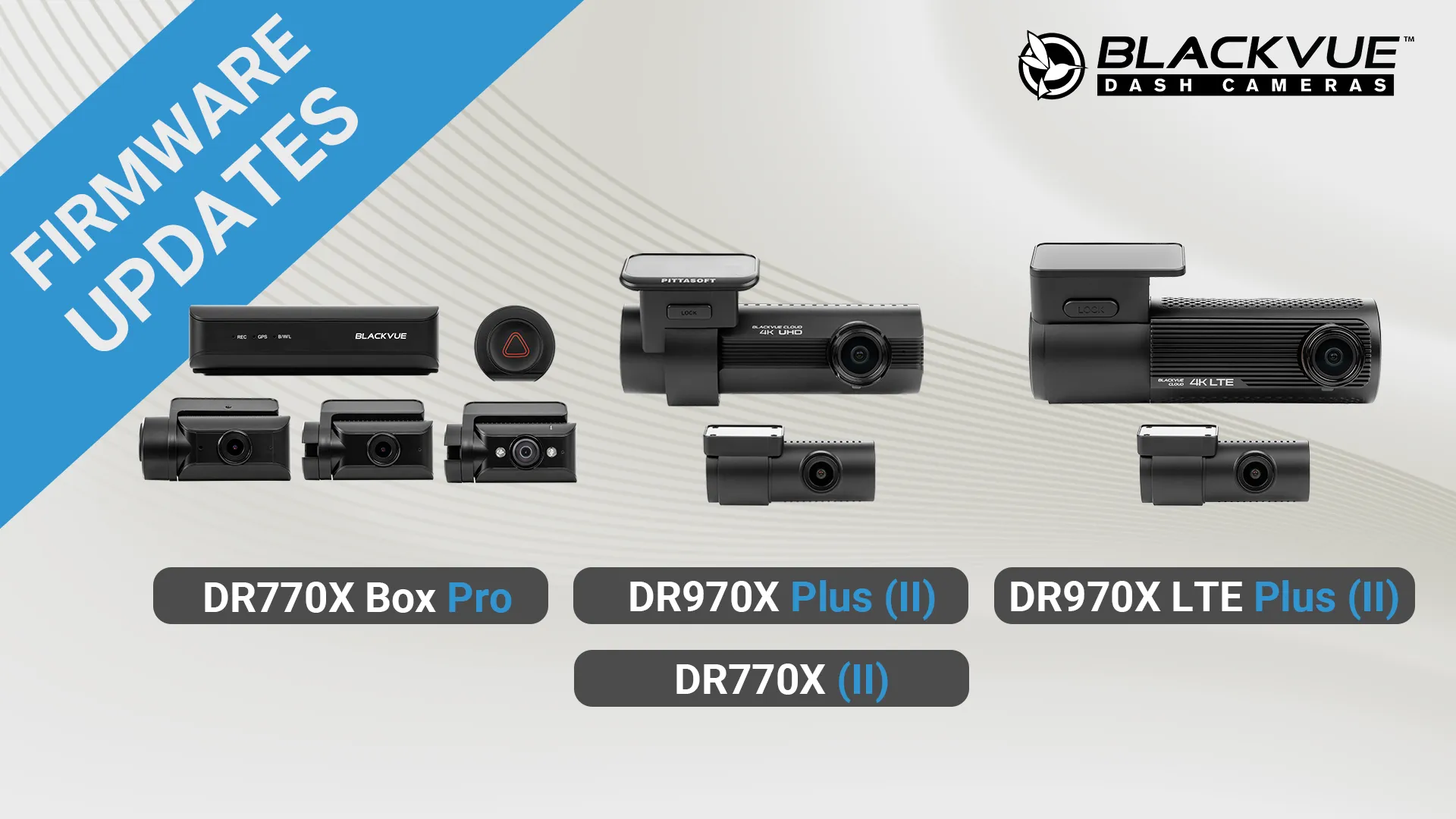
The latest Cloud-compatible 4K (DR970X Plus and Plus II, DR970X LTE Plus and Plus II) and Full HD dash cams (DR770X and DR770X II) as well as the DR770X Box Pro received an update.
This update brings down the default impact sensitivity while driving, to reduce chances of unwanted impact Event recordings. Please note that BlackVue firmware updates generally don’t override users’ settings. Therefore, if you find that Events are being triggered too often while driving, feel free to reduce the G-sensor sensitivity setting via the BlackVue app. Note that the sensitivity while driving is kept separate from the sensitivity in Parking Mode.
For BlackVue Cloud users: this update also adds the option to configure up to 3 Wi-Fi hotspot for BlackVue Cloud connectivity.
Models Concerned:
- DR970X Plus (II) (v.2.005) (Download pages: Multi-language version – Russian version)
- DR970X LTE Plus (II) (v.2.004) (Download pages: Multi-language version – Russian version)
- DR770X (v.2.003) (Download pages: Multi-language version – Russian version)
- DR770X Box Pro (v.1.006) (Download pages: Multi-language version – Russian version)
What’s New:
- Changed default impact Event detection sensitivity setting from 5 to 3 (less sensitive).
- BlackVue Cloud: users can now register up to three Wi-Fi hotspots instead of one.
- DR770X Box Pro: Added support for 1TB microSD card (support already available for the other models).
- Minor bug fixes and system stability improvements.
※ Compatible software versions:
BlackVue App: Android v4.13 / iOS v4.10 and up.
BlackVue Viewer: Windows v3.24 / Mac v3.24 and up.
FLEETA App: Android v1.13 / iOS v1.11 and up.
FLEETA Web Viewer
Important:
Make sure to use the latest versions of the BlackVue Viewer and App for full compatibility when installing a new firmware version.
How to upgrade:
With the BlackVue App, you can easily update the firmware from the Camera menu. Tap the three-dot icon “…” next to your camera’s name, then tap on “Remote firmware update”.
For a manual installation, go to the DOWNLOADS page to access the latest firmware and installation instructions.
Share your feedback and suggestions
If you have suggestions for new features and improvements, feel free to join our Community hosted in the BlackVue Forum.
Thank you!