close-icon
fleet_drivingreports_thumb

[BlackVue Fleet Tracking] How To Use The Driving Reports Feature

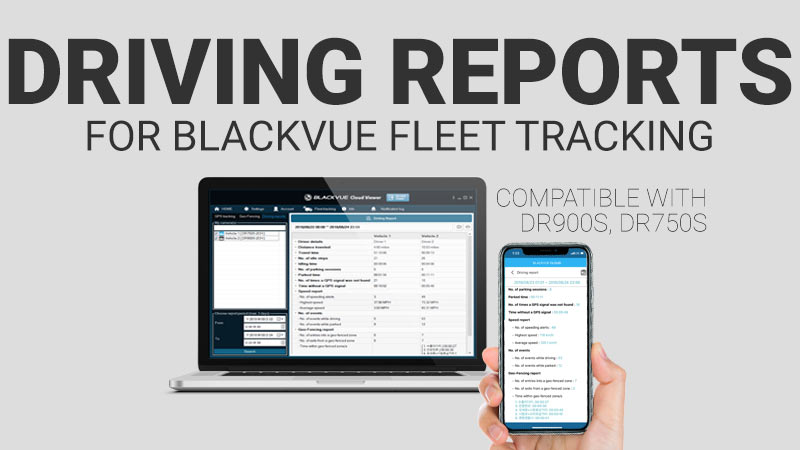
Following shortly after Event File Auto-upload, BlackVue Fleet Tracking receives a new exclusive feature: Driving Reports. Requirements: Hardware: BlackVue DR900S Series Dashcam with Firmware version 1.005. BlackVue DR750S Series Dashcam with Firmware version 1.011. Software: BlackVue Viewer version 2.01 (Windows) and 1.24 (Mac OS). BlackVue App version 2.77 (iOS/Android). Note in case you were using […]

[BlackVue Fleet Tracking] How To Use The Driving Reports Feature Read More »

BlackVue Firmware Update DR900S (1.005) DR750S (1.011)

[Firmware Update] DR900S (1.005), DR750S (1.011) With Driving Reports

New firmware is available for the DR750S (1.011) and DR900S (1.005) Series, introducing Driving Reports for BlackVue Fleet Tracking. Learn more about the new Driving Reports for BlackVue Fleet Tracking. DR750S Series (version 1.011), DR900S Series (version 1.005) MODELS CONCERNED: DR750S Series (DR750S-1CH, DR750S-2CH, DR750S-2CH IR and DR750S-2CH TRUCK) DR900S Series (DR900S-1CH, DR900S-2CH) WHAT’S NEW:

[Firmware Update] DR900S (1.005), DR750S (1.011) With Driving Reports Read More »

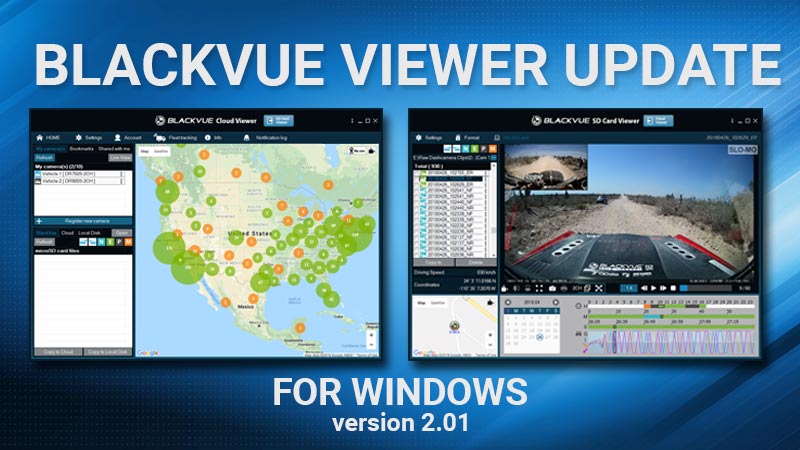
[BlackVue Windows Viewer] Improved Video Playback, 64-bit Support, Driving Reports

Dear BlackVue Users, We have updated the BlackVue Windows Viewer (version 2.1) for better playback performance with 4K, 60FPS and HEVC videos. The features of the BlackVue Viewer Pro for Windows are now integrated into the Windows Viewer (BlackVue Fleet Tracking account required). This version also brings support for the new Driving Reports feature (BlackVue

[BlackVue Windows Viewer] Improved Video Playback, 64-bit Support, Driving Reports Read More »

blackvue-app-manuals-update-ver4.0

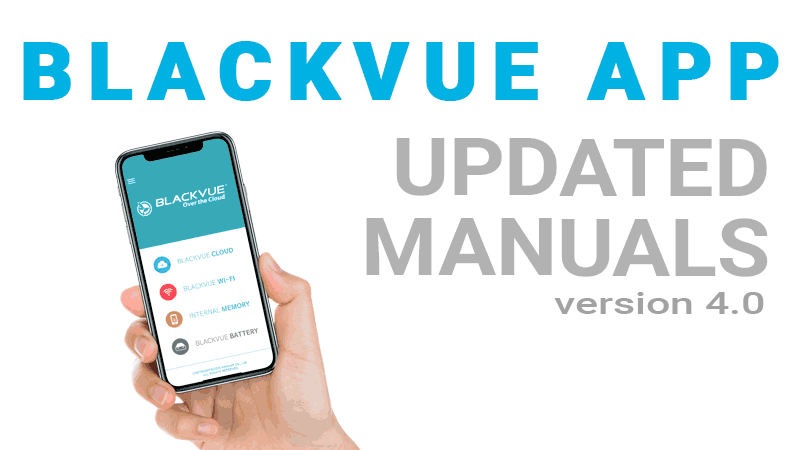
[BlackVue App] Updated App Manuals Available in Eleven Languages

Dear BlackVue users, The BlackVue App Manuals in eleven languages were updated and made available today on our website and through the BlackVue App. The new BlackVue App Manuals contain the most up-to-date instructions, now including how to set up Event Live Auto-upload and Event File Auto-upload for BlackVue Fleet Tracking. To access the manuals

[BlackVue App] Updated App Manuals Available in Eleven Languages Read More »

fleet_plan_thumbnail

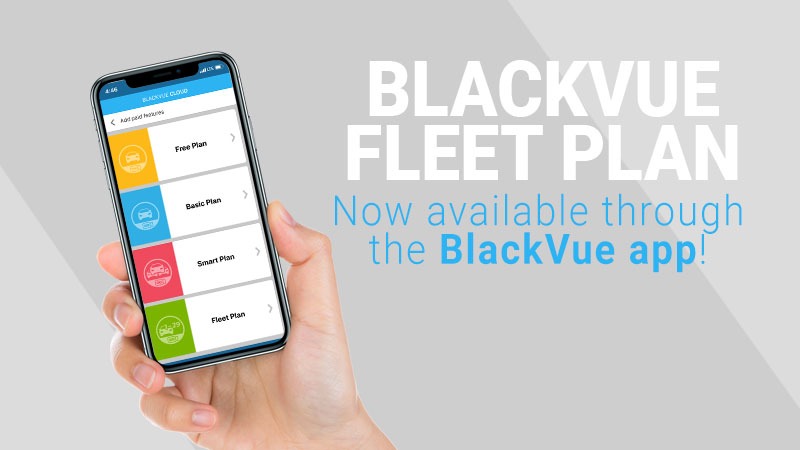
[BlackVue App] New Fleet Plan Now Accessible in the BlackVue App

Good news if you wanted to try BlackVue Fleet Tracking! You can access the service right from the BlackVue app (iOS/Android) since the release of version 2.76. New Fleet Plan In-App Subscription Open the main menu in the BlackVue App (  icon). Select “Add paid features”. Select “Fleet Plan”. Choose how many dashcams you wish

[BlackVue App] New Fleet Plan Now Accessible in the BlackVue App Read More »

time-lapse-region-based-motion-detection

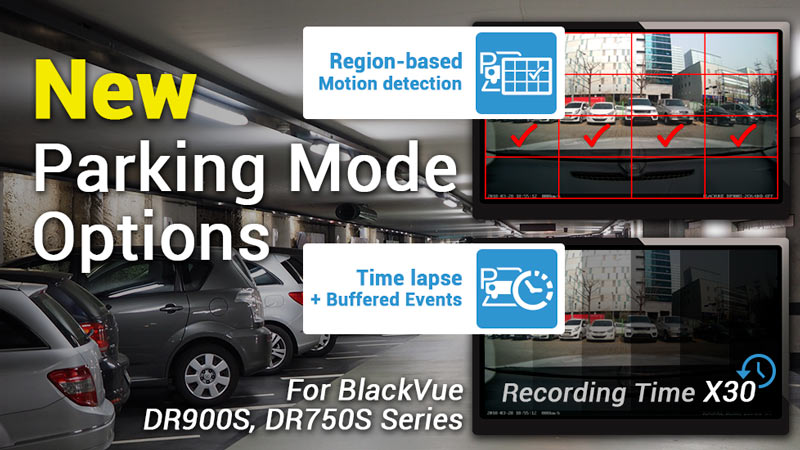
[BlackVue DR900S/DR750S] New Time Lapse, Region-Based Motion Detection Parking Modes

With the latest firmware and software releases, the BlackVue DR900S Series andDR750S Series receive two major Parking Modeupgrades:  Brand new Time Lapse mode (with buffered Events) > Select “Time lapse”. Improved Motion & Impact Detection mode (with region-based motion detection) > Select “Motion & Impact detection”. Access Parking Mode settings underFirmware settings > Basic >

[BlackVue DR900S/DR750S] New Time Lapse, Region-Based Motion Detection Parking Modes Read More »

firmware-update900s750s_1004_1010

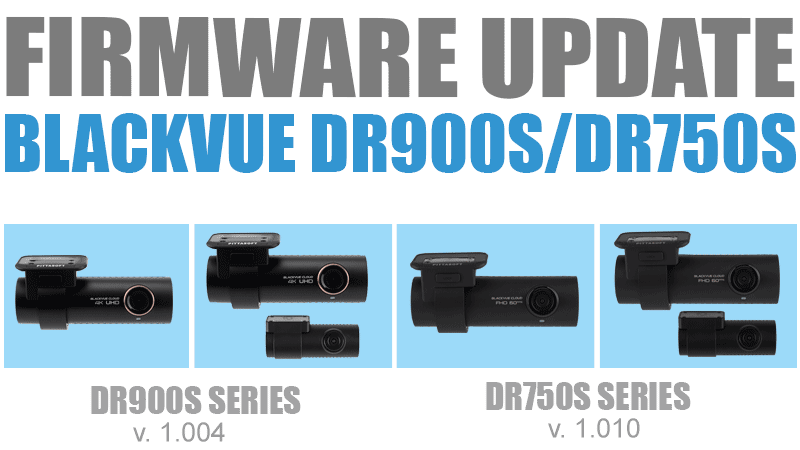
[Firmware Update] DR900S (1.004), DR750S (1.010) With New Parking Mode

New firmware is available for the DR750S (1.010) and DR900S (1.004) Series, bringing a brand new Time Lapse Parking Mode andimproved Motion & Impact detection mode, as well as a native mirror view recording option for the rear camera. Learn more about the new parking mode options. DR750S Series (version 1.010), DR900S Series (version 1.004)

[Firmware Update] DR900S (1.004), DR750S (1.010) With New Parking Mode Read More »

Search